AI Auction Cataloging Tutorials
Gavelist turns auction photos into a publishable catalog — $0.15 per lot, with exports for HiBid (via Auction Flex 360), LiveAuctioneers, Proxibid, BidWrangler, and eBay. These tutorials cover the whole workflow, from uploading and sorting photos on the conveyor belt, to generating AI lot descriptions, adding market comps from current marketplace listings and product photos, exporting to your auction platform, and reading the Intelligence and billing pages. Start with the two-minute tour, then dive into any step.
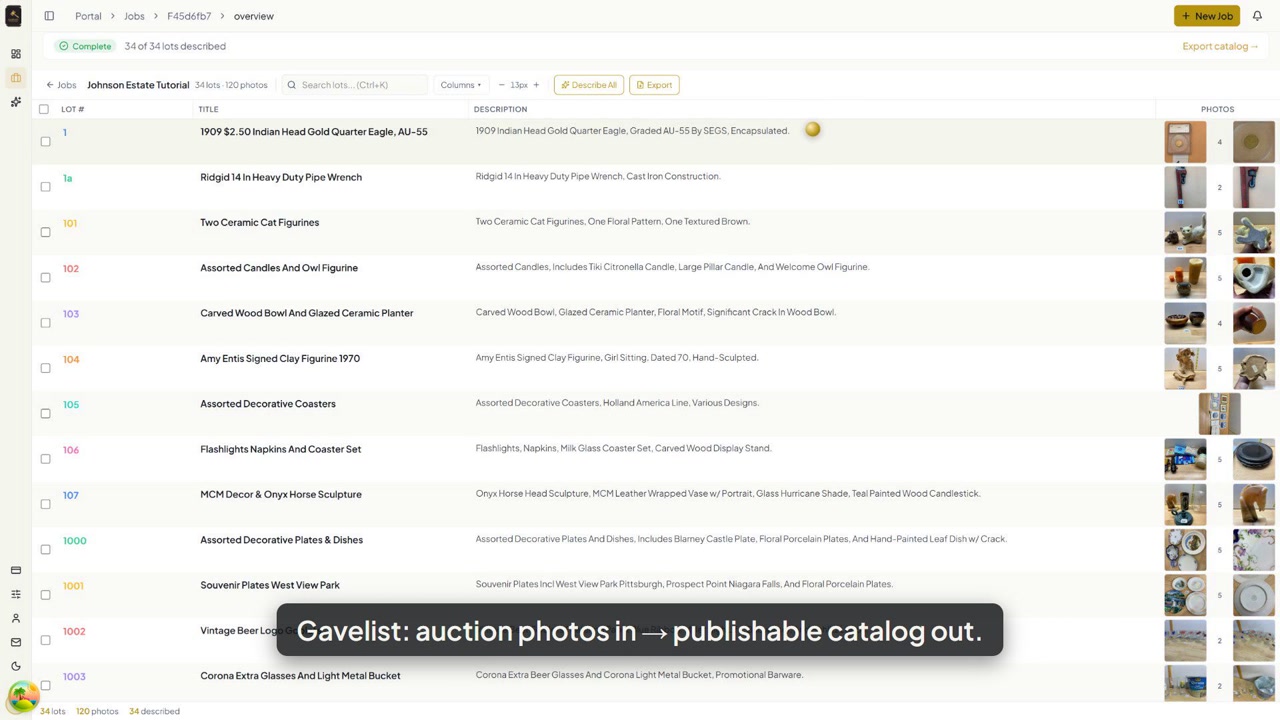
The Gavelist Workflow — Photos to Published Catalog
This is Gavelist — software that turns auction photos into a finished, publishable catalog. Here's the whole workflow, start to end, in about two minutes.
2:16·Watch the tourStep-by-step tutorials
 3:42
AI Auction Cataloging — Full Tutorial (Photos to Published Catalog)
Every auction starts on the New Job page. Drag your whole shoot onto the upload panel - a phone folder, a memory card, hundreds of photos at once - or click to browse.
Watch tutorial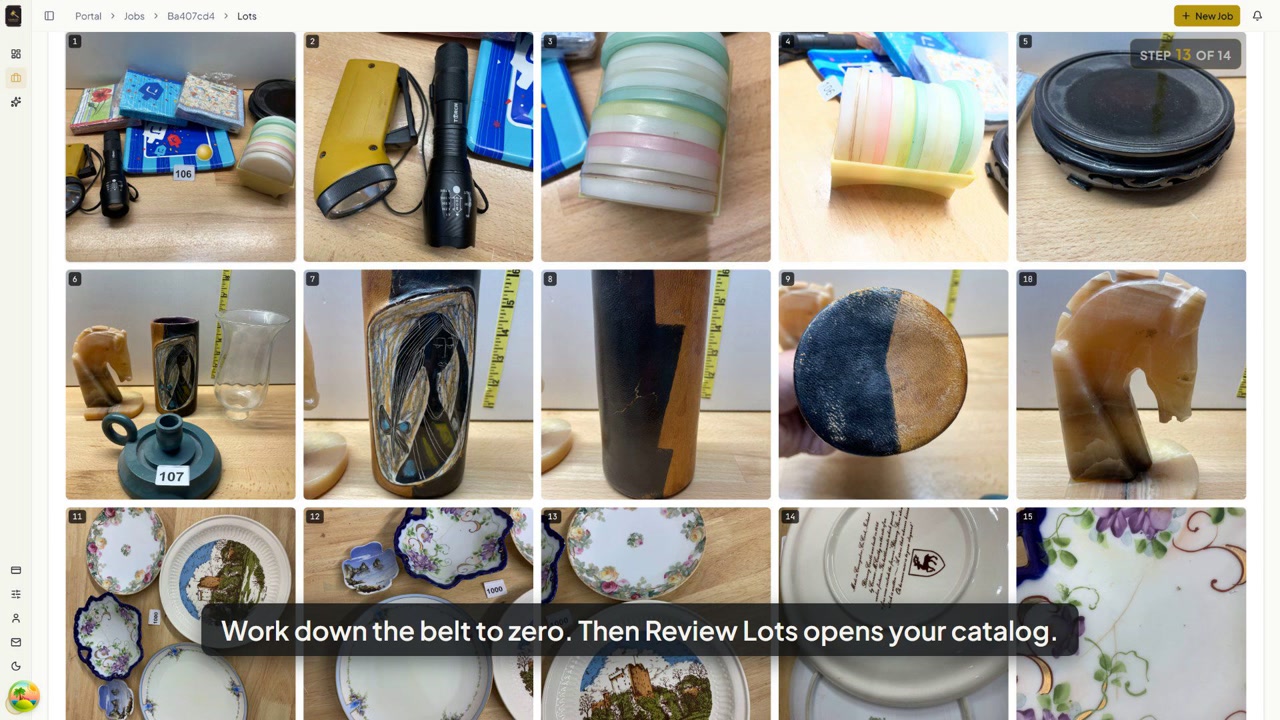 2:53
How to Photograph & Catalog Auction Items Fast — Conveyor Sorting Tutorial
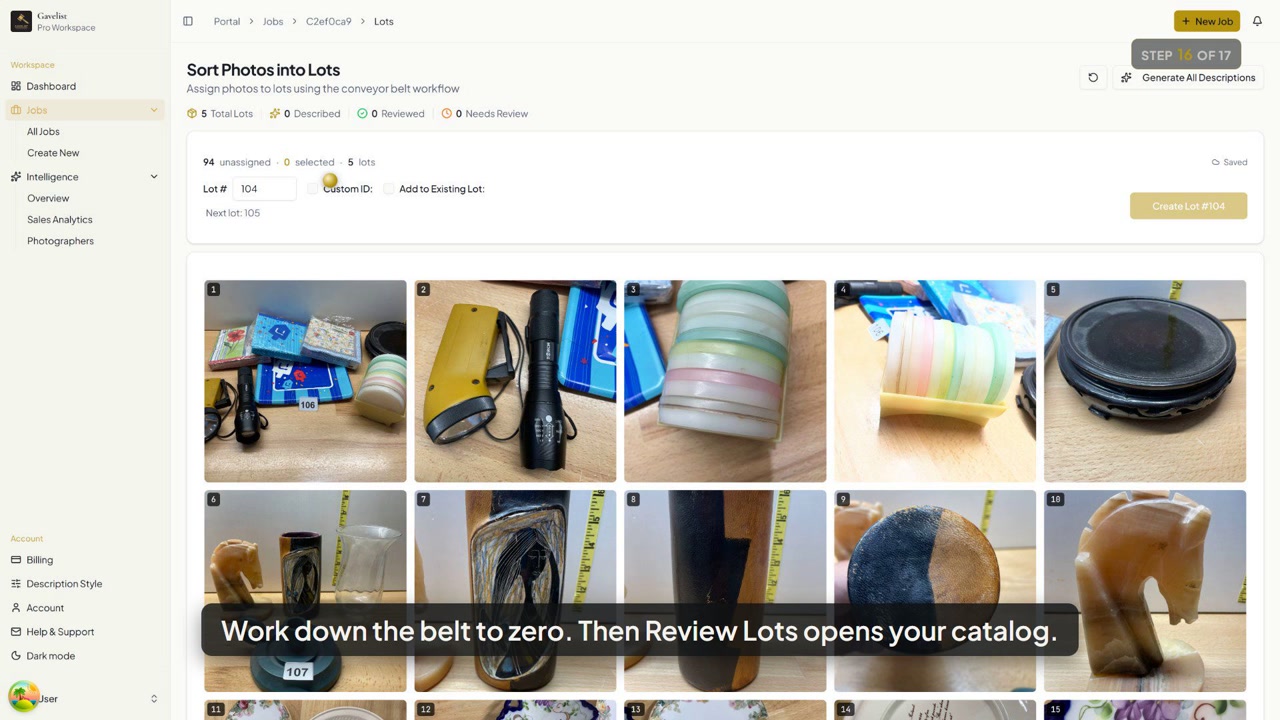
This is the Sort Photos into Lots page - the conveyor belt. Your photos ride in, and you group them into lots.
Watch tutorial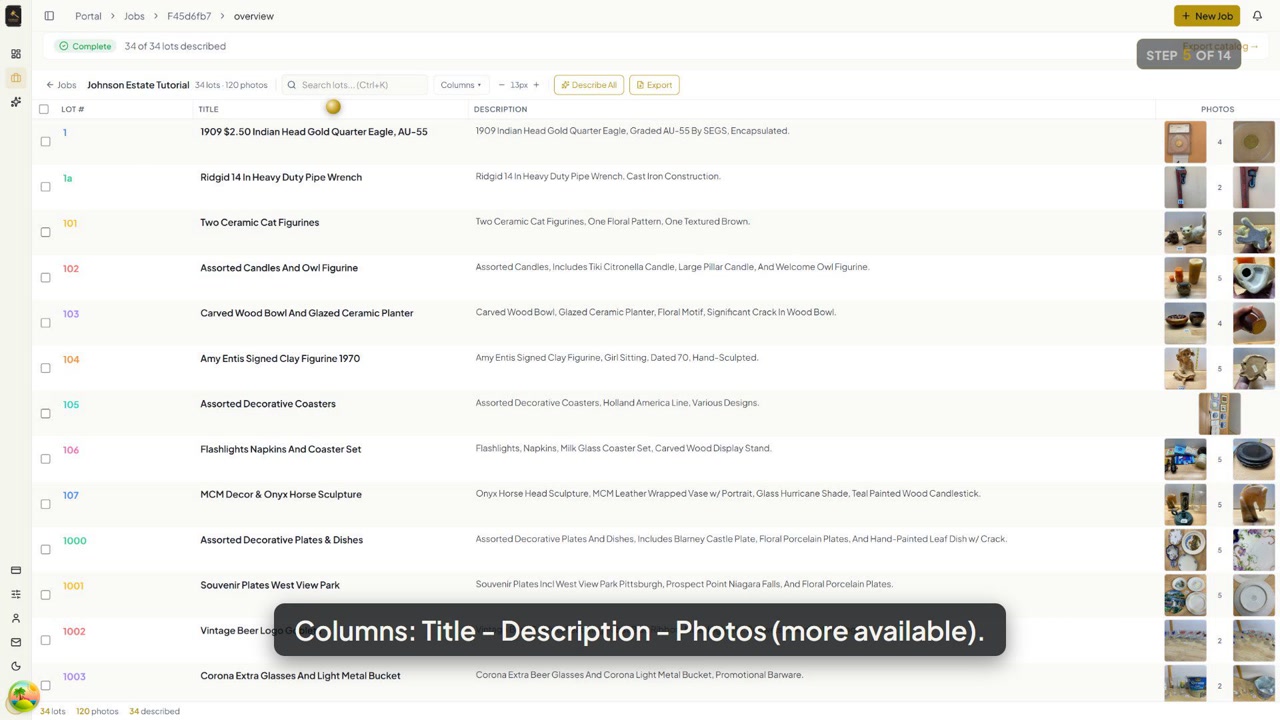 3:06
Write Auction Lot Descriptions with AI — Gavelist Tutorial
Here's the Lot Overview - your whole catalog as a table, one row per lot. This is where Gavelist writes your descriptions, and where you review them.
Watch tutorial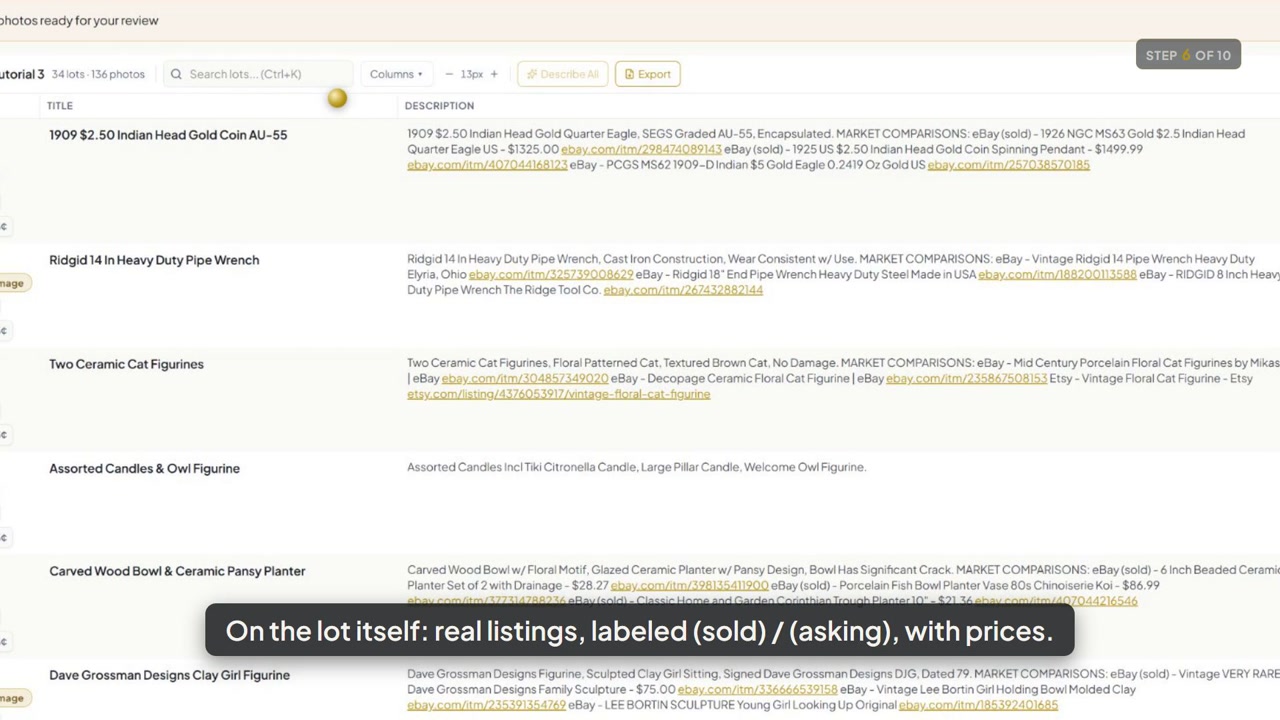 1:28
How to Get a Value Range for Auction Lots From Photos, With Comps You Can Check (Tutorial)
Back on the Lot Overview - this time, watch what happens after the descriptions land.
Watch tutorial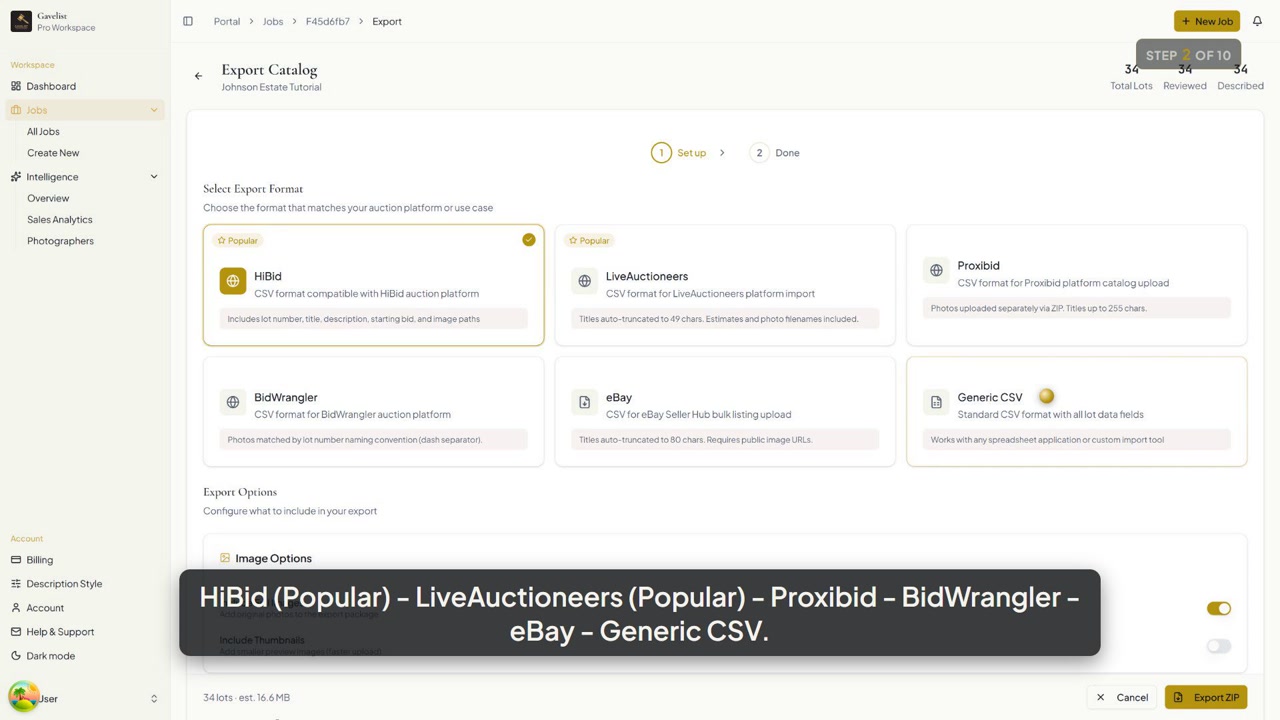 2:07
Export AI Auction Catalogs to HiBid, LiveAuctioneers & More
This is the Export Catalog page - the last step, where your finished lots become a file your auction platform can read. Up top - your totals: lots, reviewed, and described.
Watch tutorial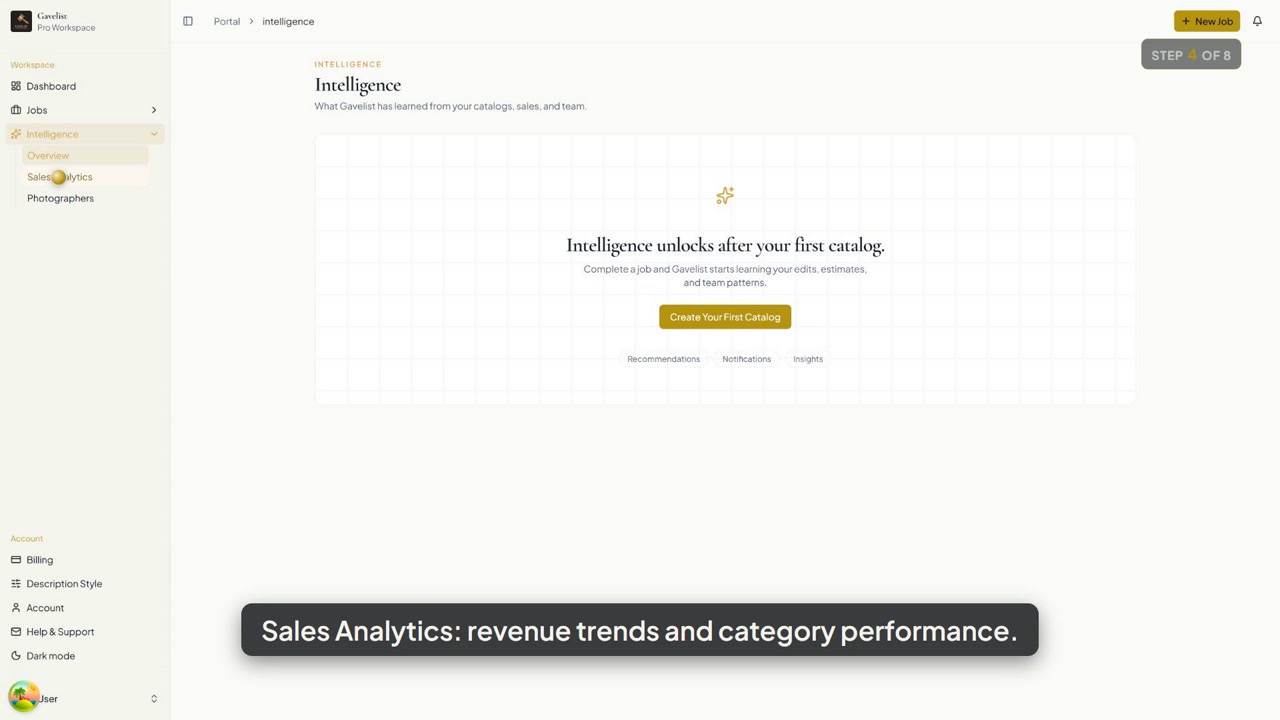 1:27
Does AI Cataloging Learn Your Style? — Gavelist Intelligence Tutorial
This is Intelligence - what Gavelist learns from your catalogs, your sales, and your team, all in one place.
Watch tutorial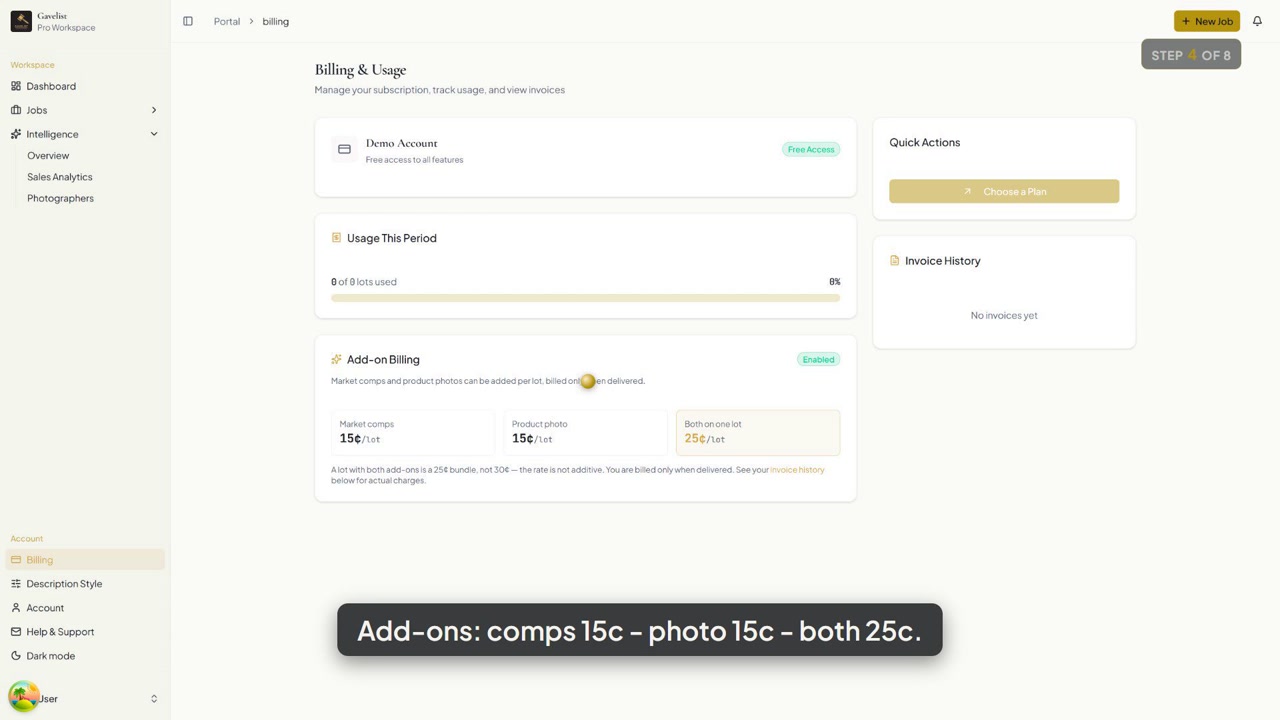 1:51
What AI Auction Cataloging Costs — Plans, Usage & Billing Tutorial
This is Billing and Usage - your plan, your usage this period, and every invoice, all in one place.
Watch tutorial